PetLibro Air Automatic Pet Feeder White
- Free Delivery
- Online Only

Product description
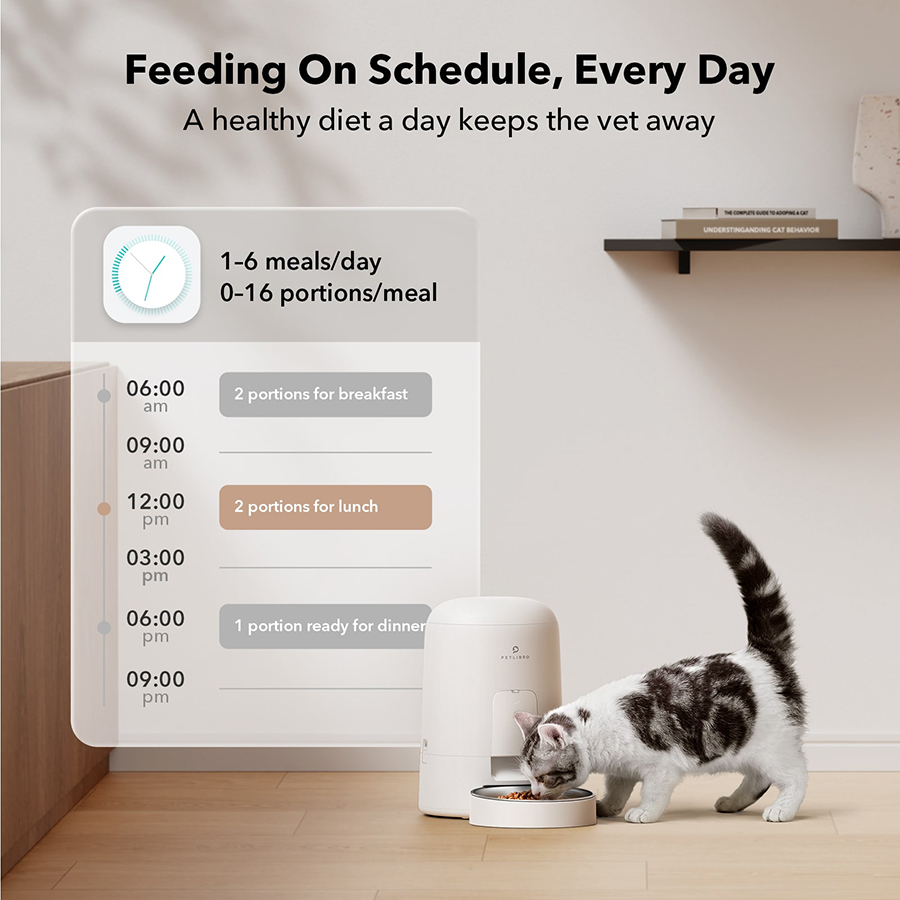
Keep your pet fed, happy, and healthy with the Petlibro Air Automatic Feeder, with the ability to set 6 custom meals daily, air-sealed design for freshness, a spillproof design, and up to 180-day battery life. Smart, secure, and perfect for cats and small dogs.
 Customizable Feeding Schedule
- Air-Sealed Food Storage
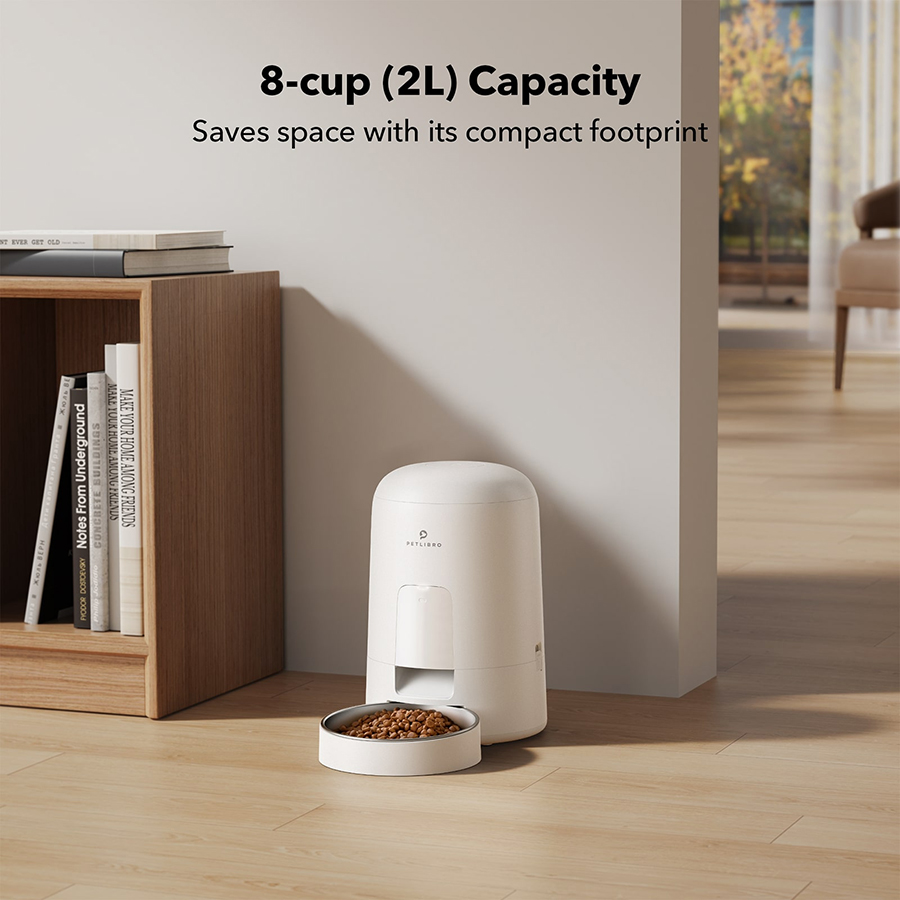
- 2-Litre capacity
- Built-in Infrared Sensor
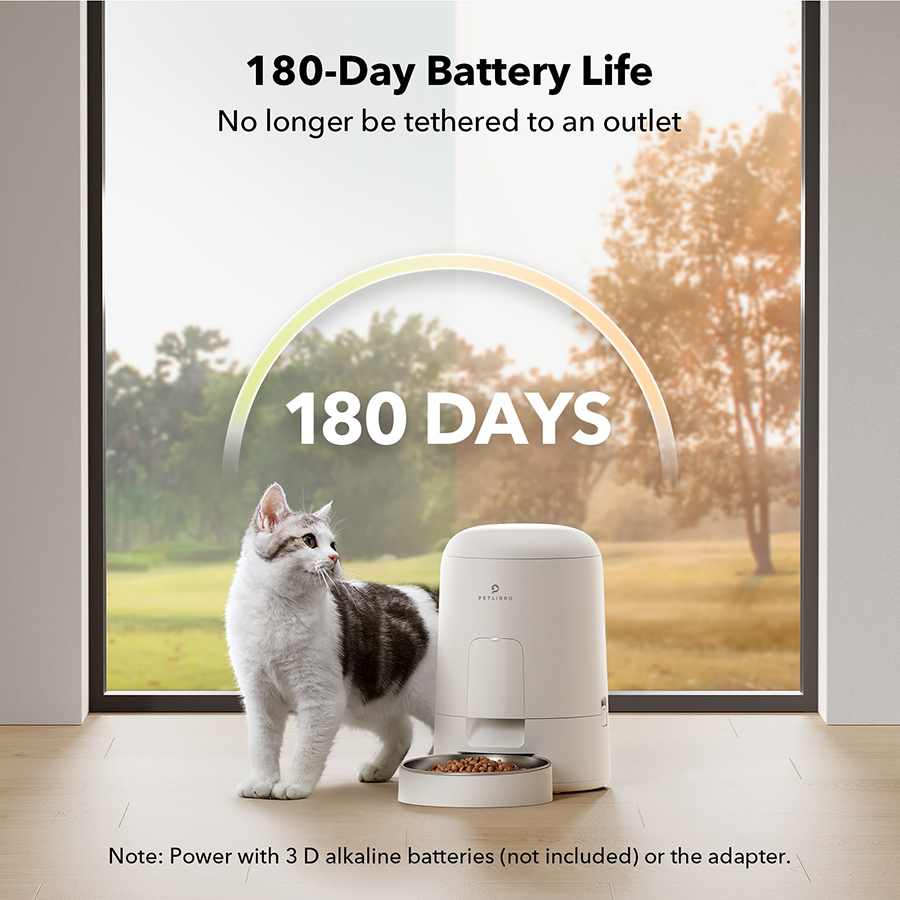
- Battery life up to 180 days
- Battery powered
- Keeps Pests Out
- Spillproof
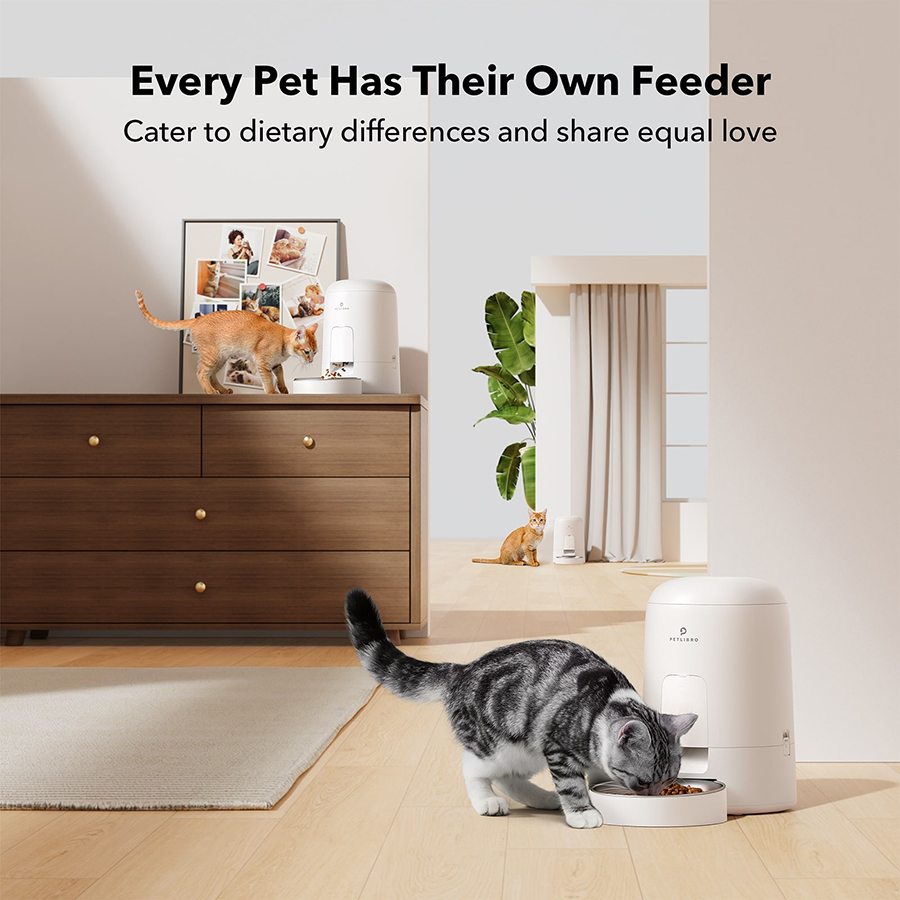
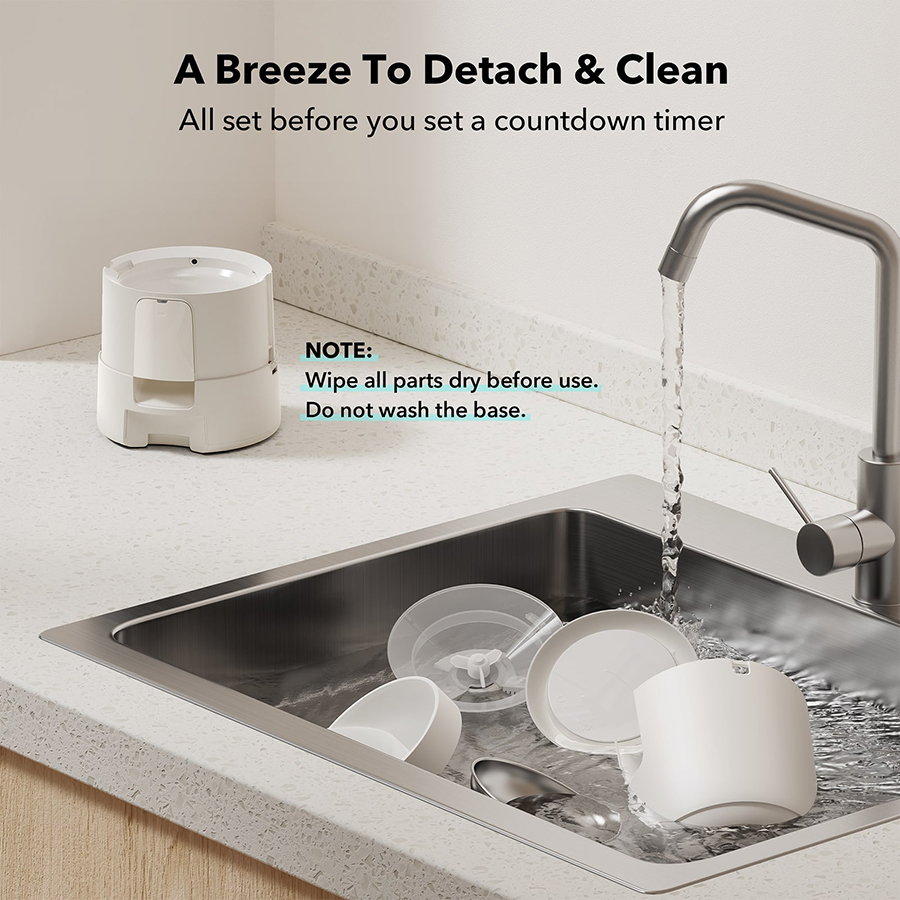
The Petlibro Air Automatic Pet Feeder offers a sleek and user-friendly solution for pet owners seeking to manage their pets' feeding schedules efficiently. With customisable portion control and scheduled feeding, it ensures accurate dispensing and reliable scheduling, supporting your pet's health. Its design includes features to prevent food spills and unauthorized access by pets, while the stainless steel bowl and detachable components make cleaning simple. Ideal for cats and small dogs, this feeder combines functionality with convenience.
Features
- Customisable Feeding Schedule - Set up to 6 meals per day, with adjustable portion sizes to match your pet's dietary needs
- Air-Sealed Food Storage - Keeps food fresh by maintaining an air-tight seal, preventing moisture and preserving the quality of the food
- 2-Litre capacity - The feeder holds up to 2 litres of dry food, making it ideal for small to medium-sized pets or multi-pet households
- Built-in Infrared Sensor - Prevents food jams and ensures smooth and consistent dispensing with the infrared sensor technology
- Battery life lasts up to 180 days (batteries not included)
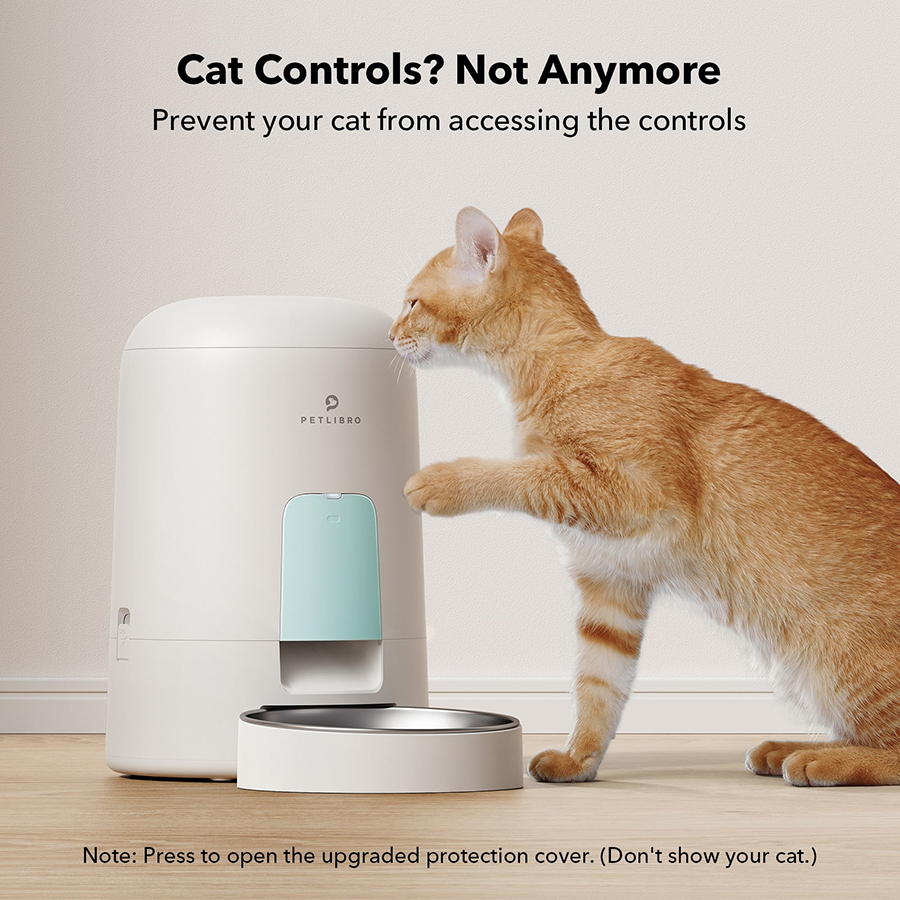
- Stop Pets From Changing Controls - The control panel cover prevents pets from changing the controls. Never worry about a naughty paw
- Keep Pests Out - The secure rotor design keeps pests from entering the food tank via the food outlet and makes sure the pet food is fresh and clean
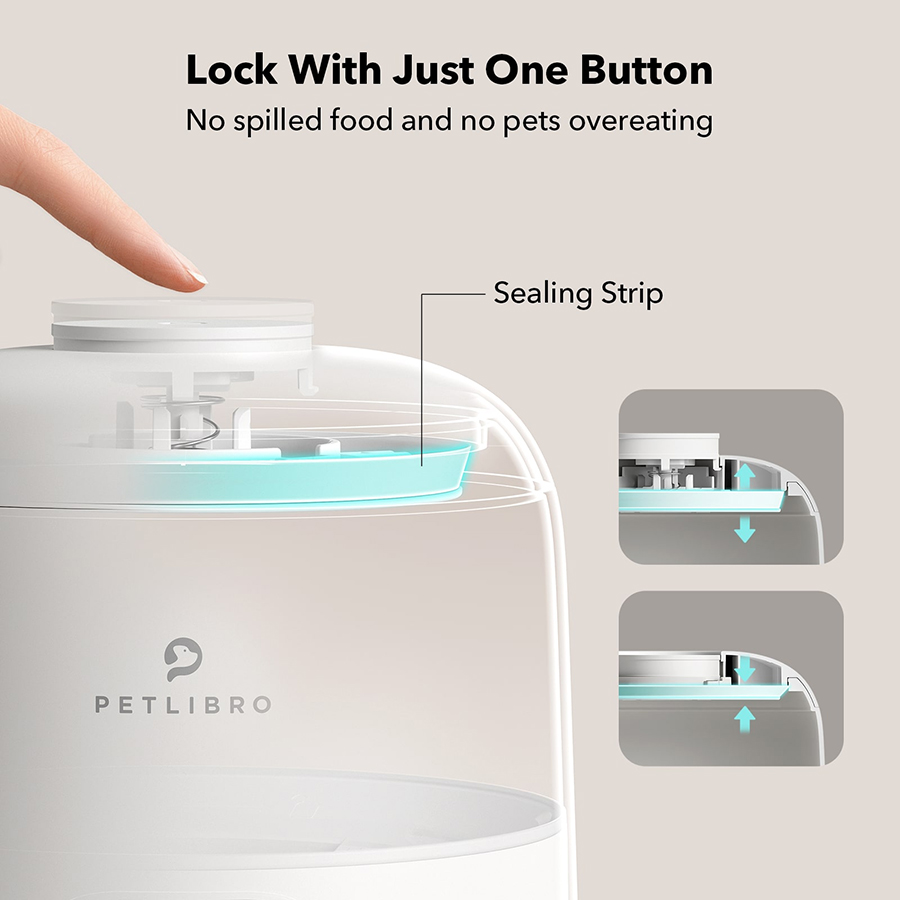
- Spillproof - Just press the top button to remove the air and securely lock the tank. Even if the feeder is tipped over, the pet food is never spilled
Who is it for?
Suitable for
Cats and small dogs.
Approximate Dimensions (Product)
- One Size H35.8 x W19.6 x D19.6cm
- Product code: 7157580
At Petlibro, they believe pets deserve the best in comfort, health, and happiness. Their innovative pet tech products combine smart design with cutting-edge technology to make pet care effortless and enjoyable for owners. From automatic feeders to water fountains and activity monitors, Petlibro delivers reliable, user-friendly solutions that fit seamlessly into modern lifestyles. Trusted by pet lovers worldwide, Petlibro is committed to enhancing the bond between you and your furry friends through smart, high-quality products.
Looking for more? Check out our full Petlibro rangeHow to use:
How to Set Up the Device
1. Assemble the Feeder
2. Place the feeder on a flat and dry surface.
3. Attach the food tank securely to the base.
4. Insert the desiccant bag (usually under the lid) to keep the kibble fresh.
5. Add Food
6. Open the top lid and pour in dry pet food.
7. Power the Device
8. Plug the power adapter into the feeder and then into a wall socket (Or insert 3 × D batteries (optional) for backup power in case of outages).
9. Program Meals
Use the control panel on the feeder to set:
1. The number of meals per day (1–6 typically).
2. The portion size per meal.
3. Confirm the schedule using the buttons and LCD screen.
Test the Feeder
Press the manual feed button to check that food dispenses correctly.
How to Use It
Once set up, the feeder will automatically dispense food according to the programmed schedule. You can manually dispense a portion by pressing the feed button at any time. Clean the food tank and tray regularly with mild soap and water (both are detachable).The lid’s safety lock helps prevent pets from accessing the food inside.
1. Assemble the Feeder
2. Place the feeder on a flat and dry surface.
3. Attach the food tank securely to the base.
4. Insert the desiccant bag (usually under the lid) to keep the kibble fresh.
5. Add Food
6. Open the top lid and pour in dry pet food.
7. Power the Device
8. Plug the power adapter into the feeder and then into a wall socket (Or insert 3 × D batteries (optional) for backup power in case of outages).
9. Program Meals
Use the control panel on the feeder to set:
1. The number of meals per day (1–6 typically).
2. The portion size per meal.
3. Confirm the schedule using the buttons and LCD screen.
Test the Feeder
Press the manual feed button to check that food dispenses correctly.
How to Use It
Once set up, the feeder will automatically dispense food according to the programmed schedule. You can manually dispense a portion by pressing the feed button at any time. Clean the food tank and tray regularly with mild soap and water (both are detachable).The lid’s safety lock helps prevent pets from accessing the food inside.
Product Care
Wipe with a damp cloth.
Frequently bought together
- Loading...
- Loading...
- Loading...
Loading...
Loading...
Loading...